
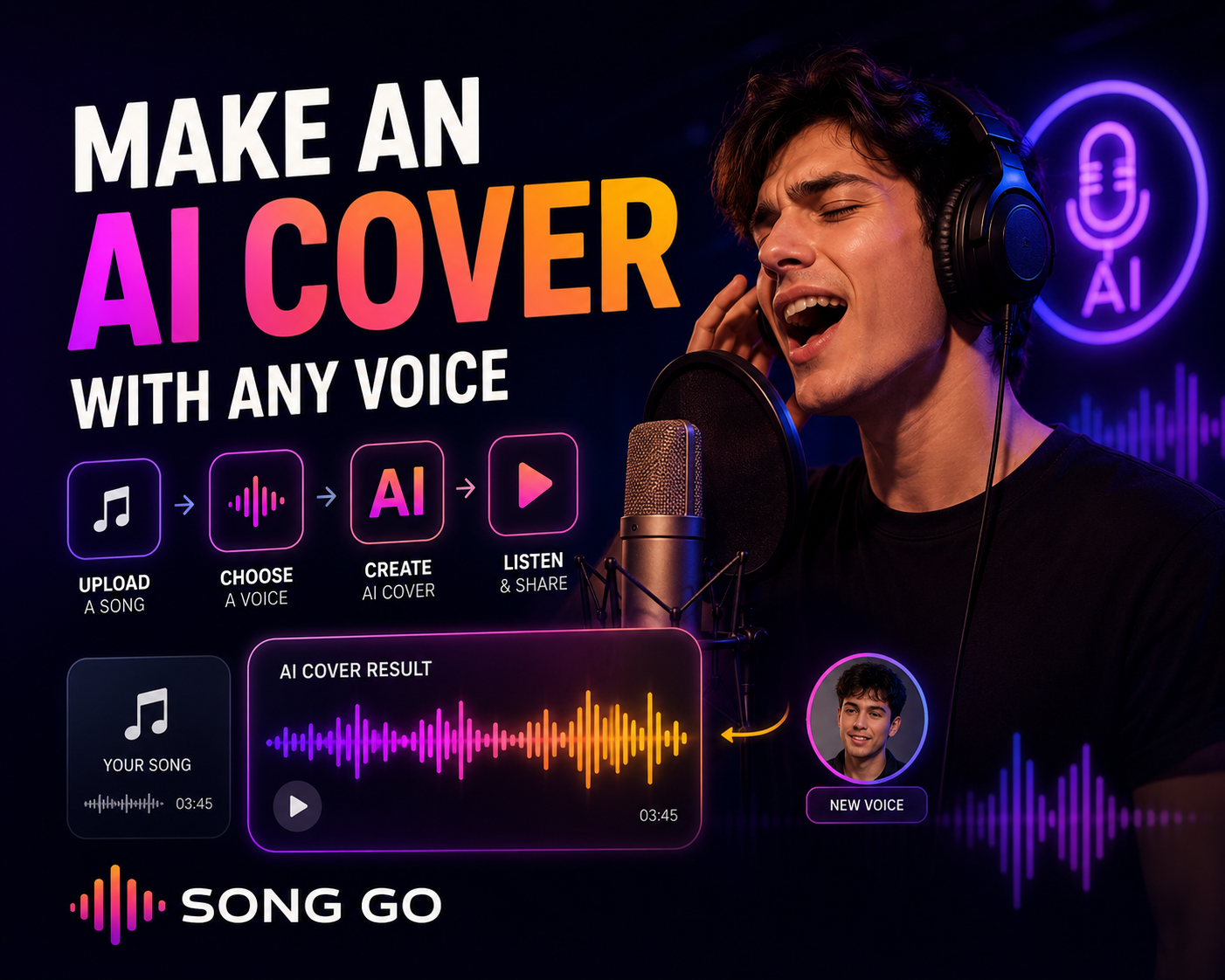
Have you ever wanted to hear a song in a different voice or reinterpret a track with your own voice? AI covers make this possible by using artificial intelligence to transform a song's vocal into another voice style. These videos and audio clips have become popular on social media, and AI tools now make them much easier to create. In this guide, we explain what an AI cover is, how AI cover songs work, and how to create your own AI cover online with Song Go.
What Is an AI Cover?
An AI cover is a version of an existing song where the vocal is transformed into a different voice using artificial intelligence. The AI analyzes the source vocal and applies the tone, character and qualities of the selected voice. The result is a new version of the song that sounds like it is being performed with a different vocal style.
AI covers are commonly used to reinterpret a song with your own voice, try a song with a different vocal tone or style, create unique social media content, and experiment with music ideas before producing a final version.
How to Make an AI Cover Online
Song Go is web-based, so you can create AI covers directly from your browser without installing software.
Sign up for Song Go. Free credits are added to your account after registration.
Open the AI Cover tool.
Upload the song or audio you want to transform.
Choose the voice you want to use, such as your own voice or another permitted vocal style.
Start the process. Song Go transforms the vocal into the selected voice.
Listen, download and share your AI cover if you have the rights to do so.
Tip: for a cleaner AI cover, use a clear, high-quality source track with a well-defined vocal.
How to Make an AI Cover with Your Own Voice
The most personal way to create an AI cover is to use your own voice. By adding your voice recording, you can hear a song reinterpreted with your own vocal tone. This can be useful for personal music projects, social media content, gifts, experiments or creative demos. If you want to create more original songs with your own voice, you can also use Song Go's own voice song generation features.
Important Notes About Copyright and Voice Rights
When creating AI covers, it is important to respect copyright, platform rules and personal voice rights. Using someone else's voice without permission or sharing copyrighted content in an unauthorized way may create legal problems. The safest option is to use your own voice or content you have the right to use. Before publishing or monetizing an AI cover, make sure you understand the rights related to the song, the recording and the voice being used.
Is AI Cover Free to Try?
When you sign up for Song Go, free credits are added to your account so you can try creating AI covers before buying more credits.
Frequently Asked Questions
What is an AI cover?
An AI cover is a version of a song where the vocal is transformed into another voice using artificial intelligence.
Can I make an AI cover with my own voice?
Yes. You can use your own voice recording to reinterpret songs in your own vocal tone.
Do I need to install software?
No. Song Go is web-based, so you can create AI covers online from your browser.
Is AI cover creation free?
You can start with the free credits added to your Song Go account after registration.
Can I use someone else's voice?
You should only use voices and content that you have permission to use. Unauthorized use of another person's voice can create legal and ethical issues.
Conclusion
AI covers are a creative way to reinterpret songs with different voices or your own voice. With Song Go, you can create AI covers online, test vocal transformations and start with free credits. For the safest experience, use your own voice or content you have the rights to use.