
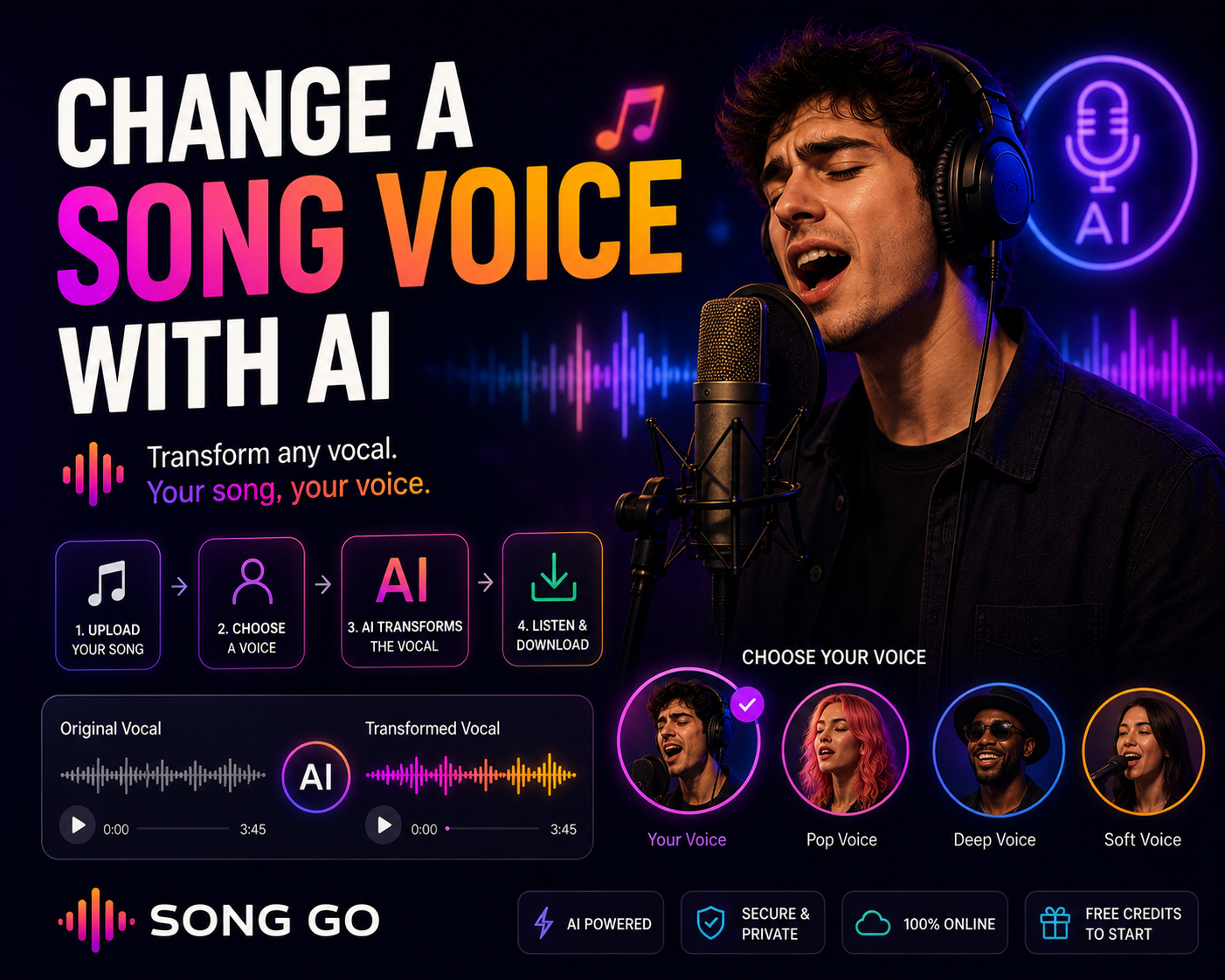
You may want to hear a song in a different vocal tone, reinterpret a track with your own voice or experiment with creative voice styles. With AI song voice changing, you can transform the vocal of a song into another voice or style online. In this guide, we explain how song voice changing works, how it relates to AI covers, and how to change a song voice online with Song Go.
What Does It Mean to Change a Song Voice?
Changing a song voice means transforming the vocal in a track into a different voice tone or vocal style using artificial intelligence. The AI learns or applies the target voice characteristics and recreates the vocal performance in that selected voice.
This is one of the core technologies behind AI cover creation. Instead of creating a song from scratch, you take an existing vocal performance and convert it into another voice style.
Voice changing can be useful when you want to reinterpret a song with your own voice, try different vocal tones before finalizing a creative idea, create unique social media content, or explore how a song would sound with a different singer style.
How to Change a Song Voice Online
Song Go is web-based, so you can change a song voice directly from your browser.
Sign up for Song Go. Free credits are added to your account.
Open the AI Cover or voice transformation tool.
Upload the song or audio file you want to transform.
Select the target voice, such as your own voice or another permitted vocal style.
Start the process. Song Go converts the vocal into the selected voice.
Listen to the result and download it.
Tip: a clean source recording helps the AI create a more natural vocal transformation.
Using Your Own Voice
The most personal use of a song voice changer is to use your own voice. By adding your voice recording, you can hear songs or vocal performances in your own tone. This can be useful for personal covers, demos, social media ideas or creative experiments. If you want to go beyond changing a voice and create a brand-new song with your own voice, you can also use Song Go's own voice song generator features.
AI Cover vs. Song Voice Changer
AI cover and song voice changer are closely related. A song voice changer focuses on transforming the vocal into another voice. An AI cover is usually the finished creative result: a song that sounds like it is being performed by a different voice.
Copyright and Usage Rights
When changing voices in songs, you should be careful about copyright and personality rights. Using another person's voice without permission or sharing copyrighted songs without proper rights may cause legal issues. The safest approach is to use your own voice or content you are allowed to use.
Frequently Asked Questions
Can I change the voice in a song?
Yes. AI can transform a song's vocal into a different voice tone or style.
Can I use my own voice?
Yes. You can use your own voice recording to recreate songs or vocal performances in your voice.
Is this the same as an AI cover?
Voice changing is the process behind many AI covers. An AI cover is the final version of a song performed with a transformed voice.
Do I need to install a program?
No. Song Go is web-based, so you can change song voices online from your browser.
Is it free to start?
Yes. When you sign up for Song Go, free credits are added to your account so you can start trying the tool.
Conclusion
AI song voice changing is a powerful way to experiment with vocals, create personal covers and test different vocal styles. With Song Go, you can transform song vocals online, use your own voice and start with free credits. Always make sure you have the right to use the audio and voice you are working with.